Front desk and bookings
A booking website that shows only times you can really take
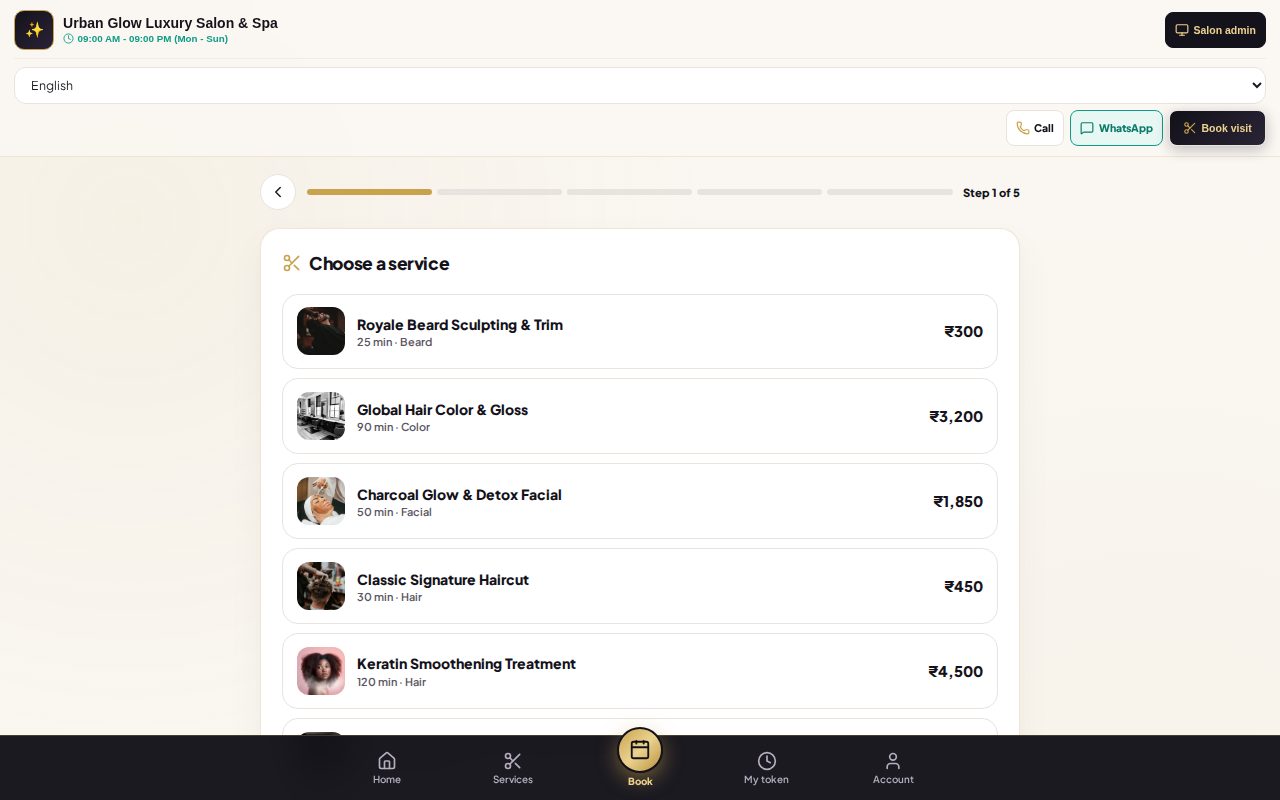
Customers choose a service, a stylist and a free slot, and you accept the request or have it confirmed automatically. They can follow their turn, sign in with a one-time code and buy plans online.
Opens the demo as a customer on the salon’s booking site. It runs in your browser with sample data, so try anything.
What it does
- Book in five steps: service, stylist, date and time, details, confirm.
- Only real free times. Availability accounts for other bookings, buffers between services, rooms and requests still waiting for an answer.
- You stay in control. Requests wait for the stylist to accept within the time you set, or are confirmed automatically if you prefer.
- Advance payments. Ask for a percentage up front through your own Razorpay account; it is kept in the customer’s wallet for the bill.
- Track the turn. Customers see their position, estimated wait and when to arrive, and can cancel.
- Sign in with a code. A six-digit code by WhatsApp or SMS opens their account: upcoming visits, bills, wallet, points and plans.
- Buy online. Memberships, packages, gift cards and wallet credit, paid by link.
- Make it yours. Turn sections on or off (offers, gallery, stylists, packages, live queue), pick a cover style and add your WhatsApp, social and map links.
Try it in the demo
The demo opens the sample salon’s booking site, as a customer would see it.
Pick a service and a stylist, then a time: only free slots are offered.
Confirm the booking, then go back to the salon view and find it waiting on the live queue.
Open Customer Website as the owner to change sections and the cover style.
Works together with
See it with your own services and staff
Tell us about your business and we'll set up a walkthrough, or keep exploring the demo on your own.