Running the business
On every phone, and steady when the internet is not
Install GlowStack from the browser on Android, iPhone or a computer. If the connection drops, edits are saved on the device and sent when it returns, and changes someone else made meanwhile are shown to you first.
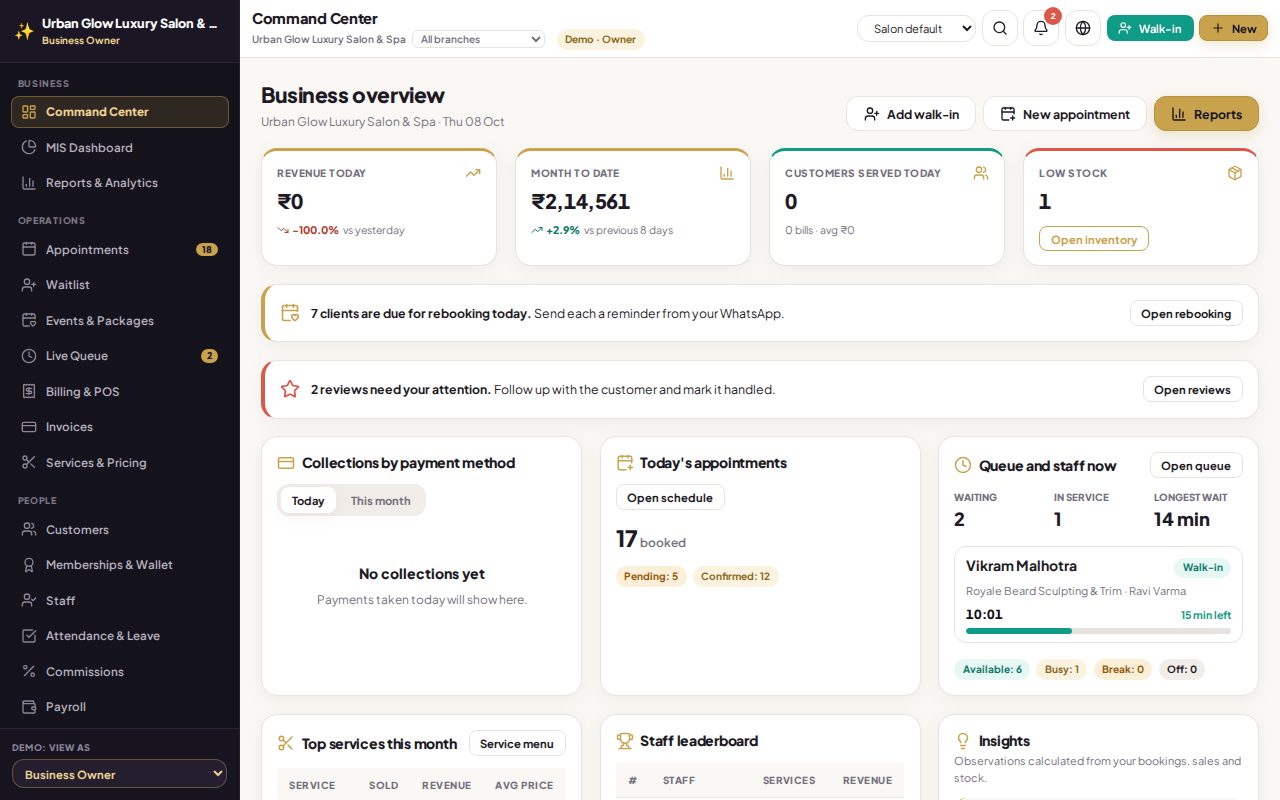
Opens the demo as the salon owner. It runs in your browser with sample data, so try anything.
What it does
- Installs like an app on Android, iPhone and desktop, with its own icon; no app store needed.
- Saves when offline. Edits to settings, customers, services, staff, stock, attendance and more are kept on the device and sent when the connection is back.
- No double entries. A change that reached the server just before the connection dropped is not applied twice.
- Conflicts shown, not lost. If someone else changed the same thing meanwhile, you choose whose version to keep.
- Opens without internet with the data from your last visit, clearly marked.
- Updates itself, with a prompt to reload when a new version is out.
Try it in the demo
The demo itself runs in your browser.
Use your browser’s install option, or the install button in the top bar, to add it to your device.
Works together with
See it with your own services and staff
Tell us about your business and we'll set up a walkthrough, or keep exploring the demo on your own.